Before adding static analysis to CI/CD, you can try it locally first. Based on the Qiita article, this guide starts SonarQube Server with Docker and scans sample code with SonarScanner CLI.
Goal and prerequisites
Scan source code and review bugs and code smells in SonarQube. You need Docker Desktop or Docker Engine and this Python file:
| |
Start SonarQube Server
| |
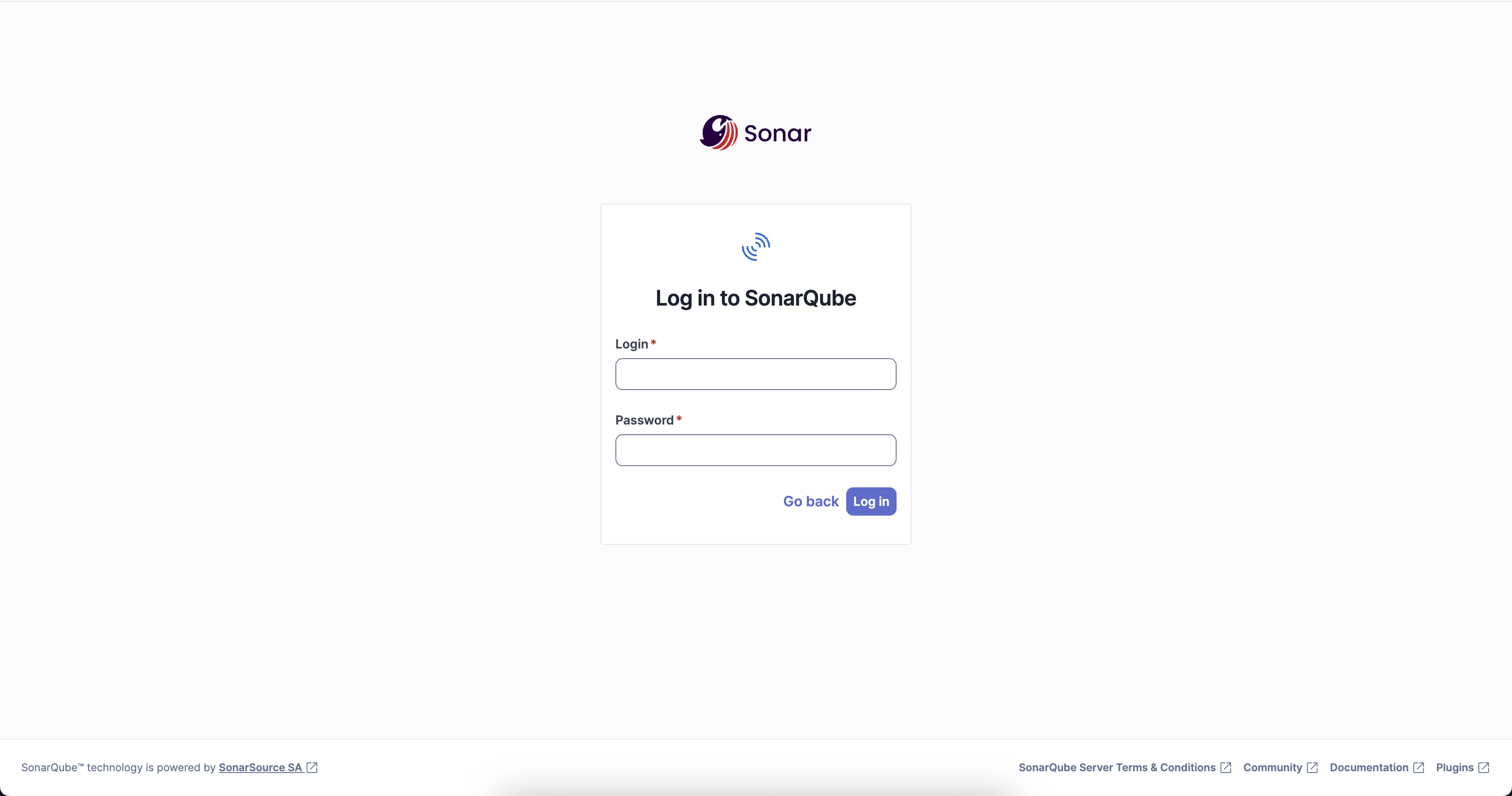
Open http://localhost:9000 in a browser and sign in with the initial username and password admin / admin. Change the password when prompted.
Prepare a project, token, and URL
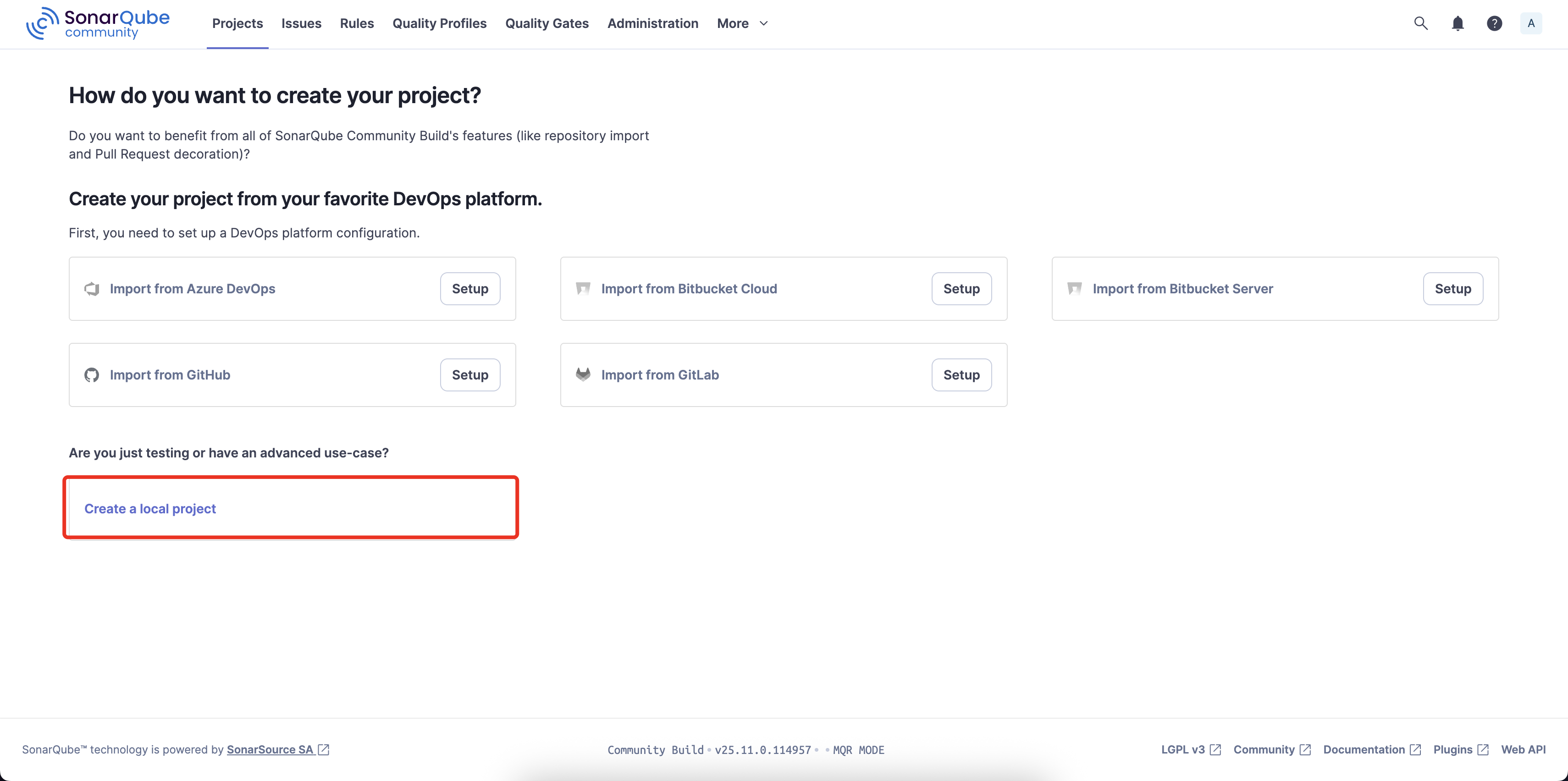
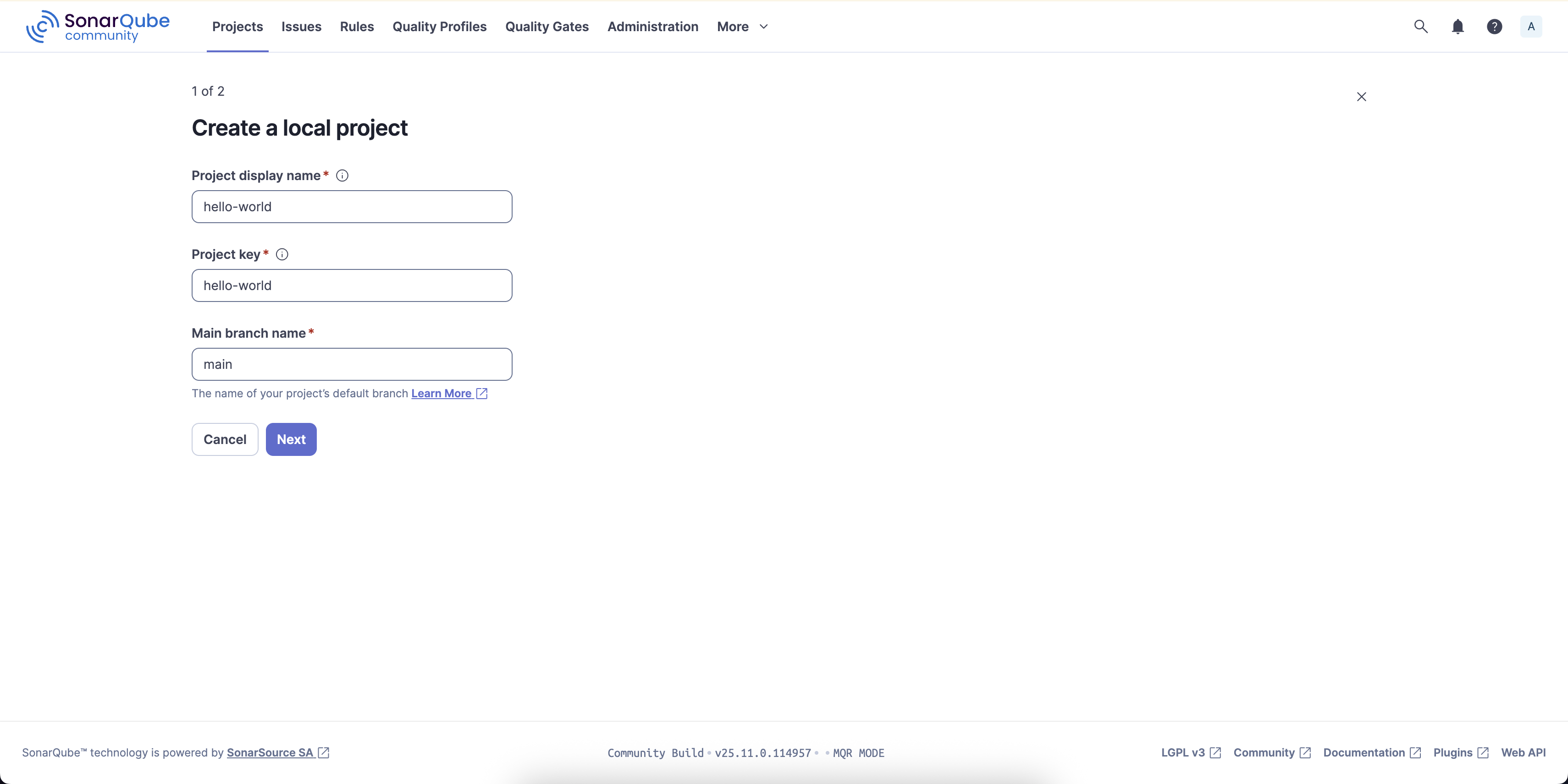
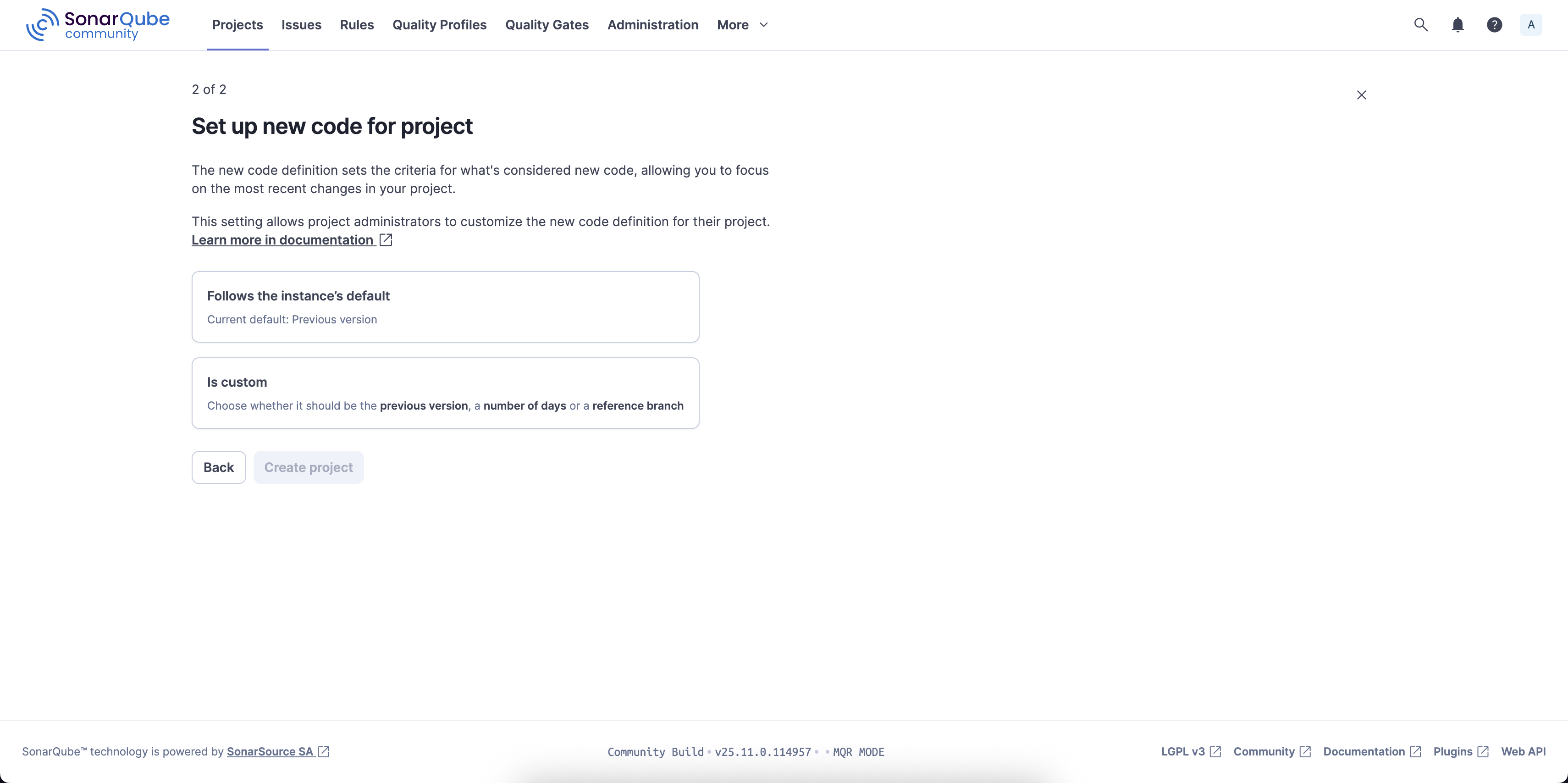
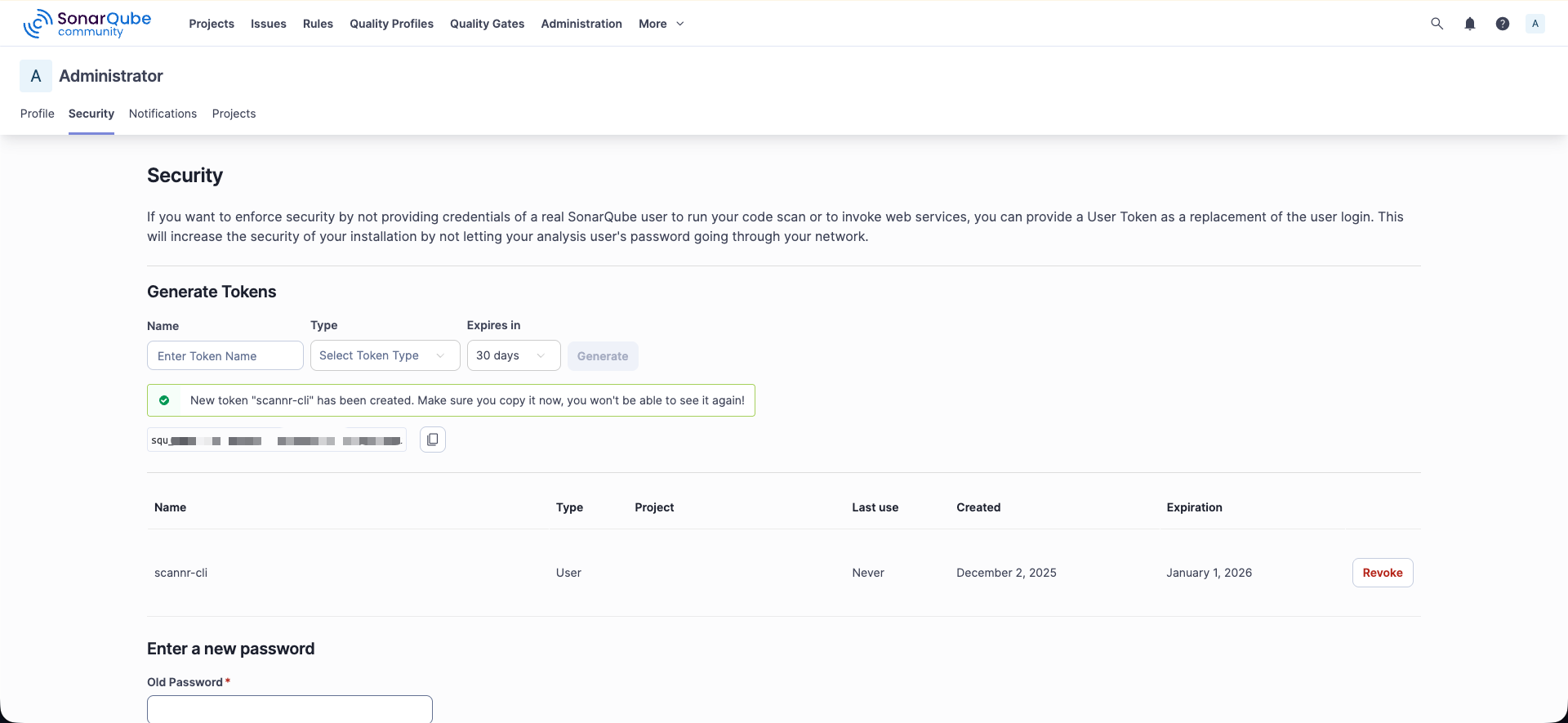
Choose [Create a local project] and create a project with the display name hello-world. Then go to My Account > Security and create a token, for example named scanner-cli. Copy the token before closing the page.
From Docker Desktop on Windows or macOS, use http://host.docker.internal:9000 to reach the host. On Linux, use http://localhost:9000 or the container IP.
Run a scan with SonarScanner CLI
From the directory containing main.py, replace the token and run:
| |
--rm removes the Scanner container after the scan, and -v mounts the current source directory at /usr/src inside the container. The scan succeeds when the log ends with EXECUTION SUCCESS.
Review the results
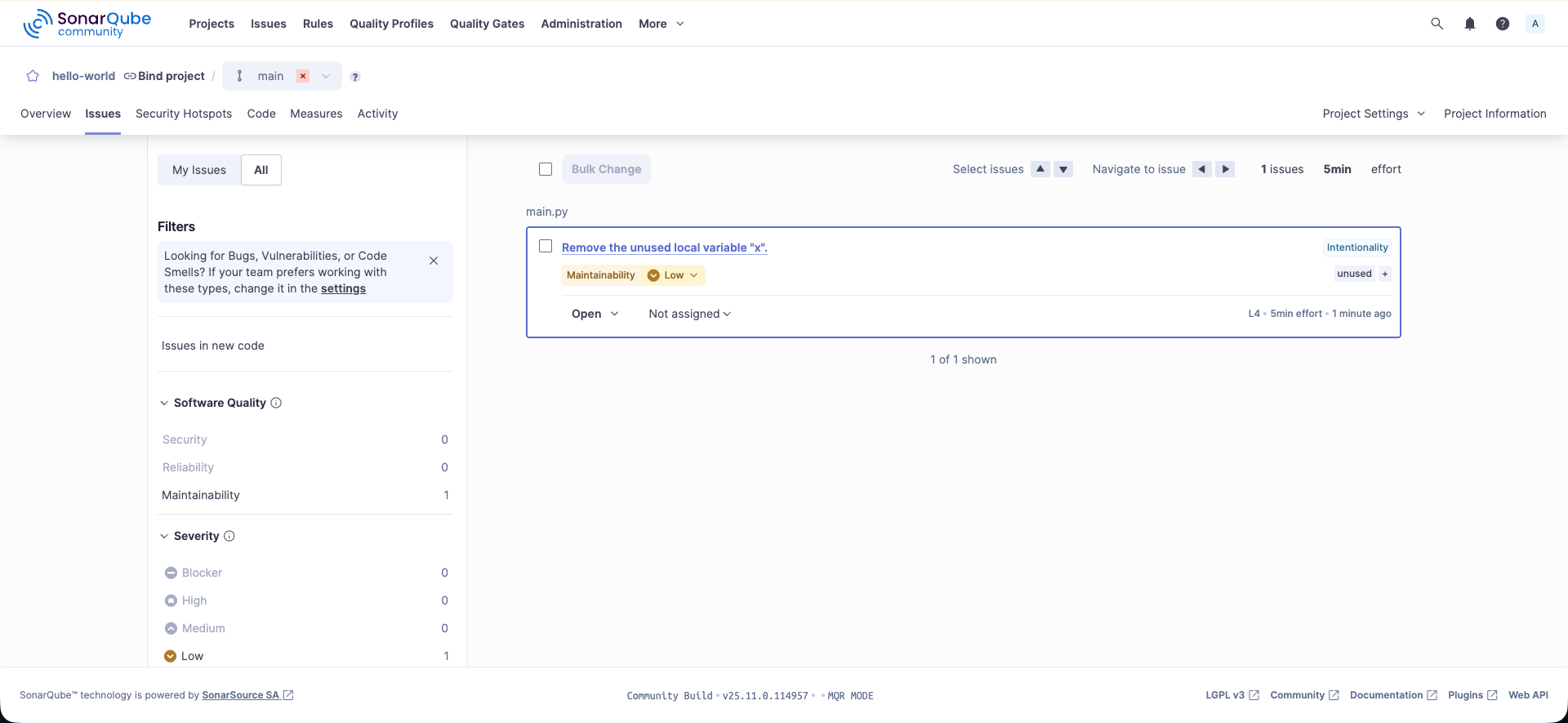
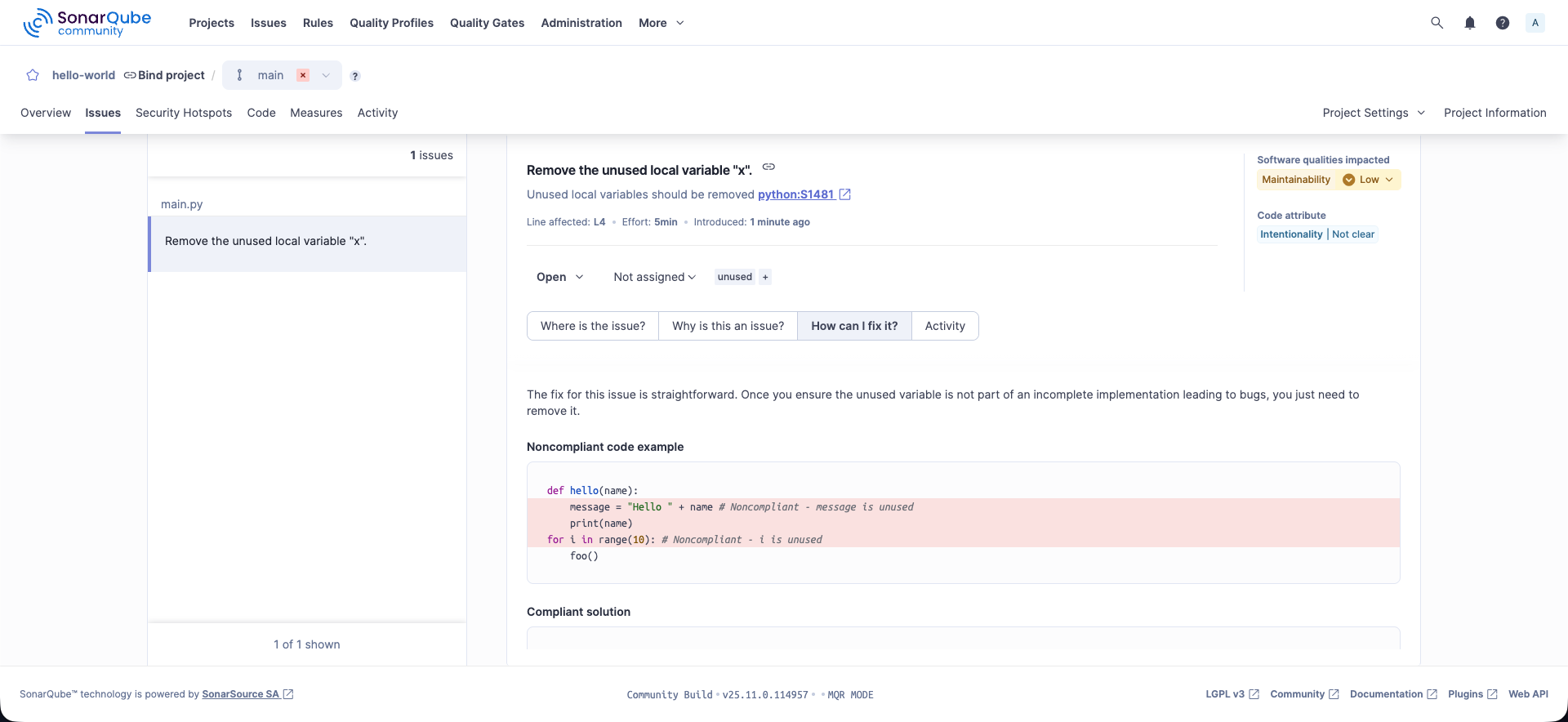
Refresh the SonarQube project page at http://localhost:9000/dashboard?id=hello-world and open Issues. You should see findings such as the unused variable x, along with the affected location and suggested fix.
Summary
Docker makes it possible to run a first static analysis without creating complex configuration files. For CI, you can run the same Scanner command from a CI job.