Based on the Qiita article, this post outlines how to automatically analyze Azure DevOps (ADO) pull requests with SonarQube Server (SQS). The goal is to run SAST when a PR is created and surface the analysis results in the PR.
Connect SonarQube and Azure DevOps
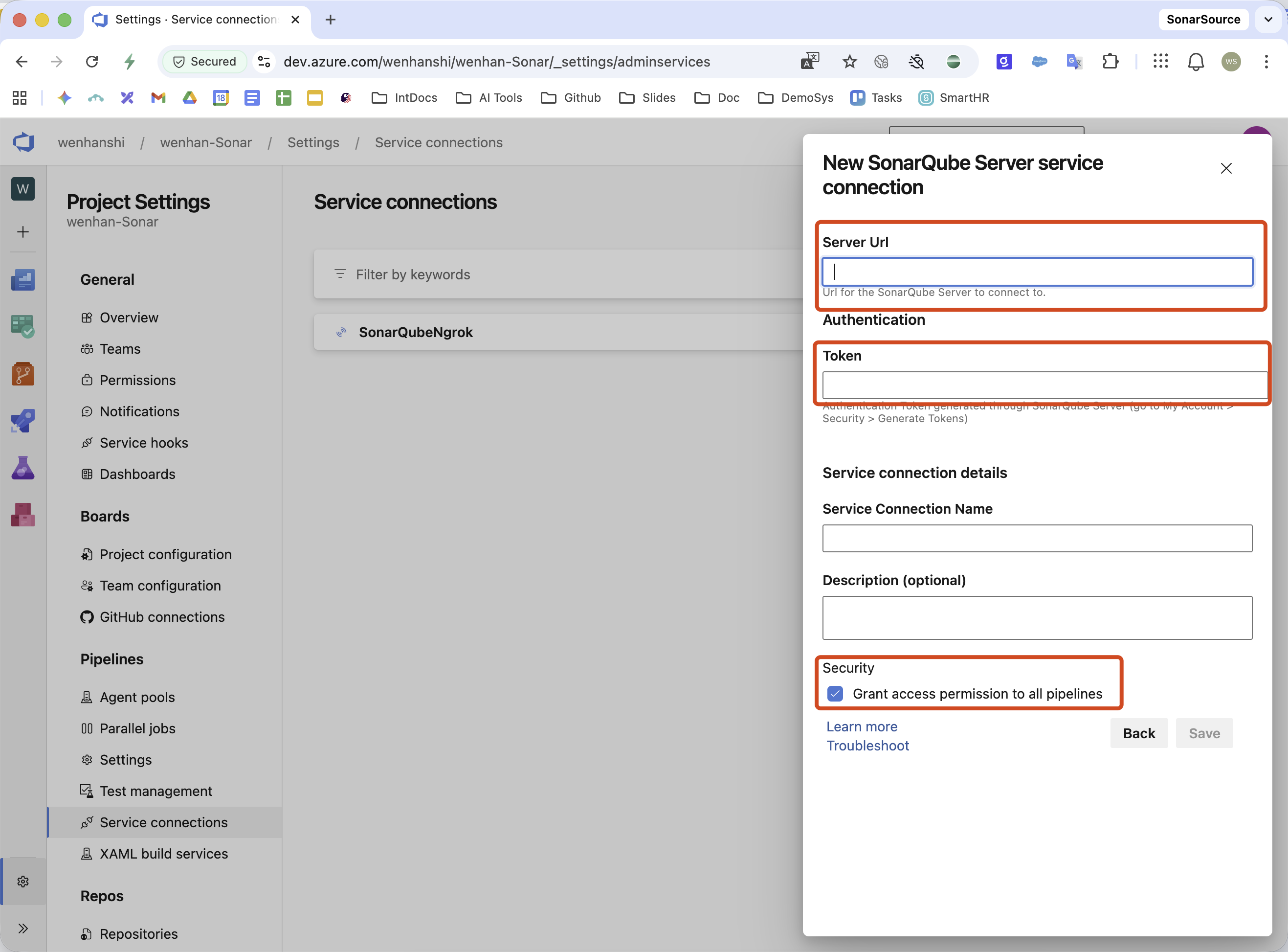
The integration requires the ADO URL and a Personal Access Token (PAT). Create a SonarQube project from the ADO repository, then register the ADO integration in SonarQube.
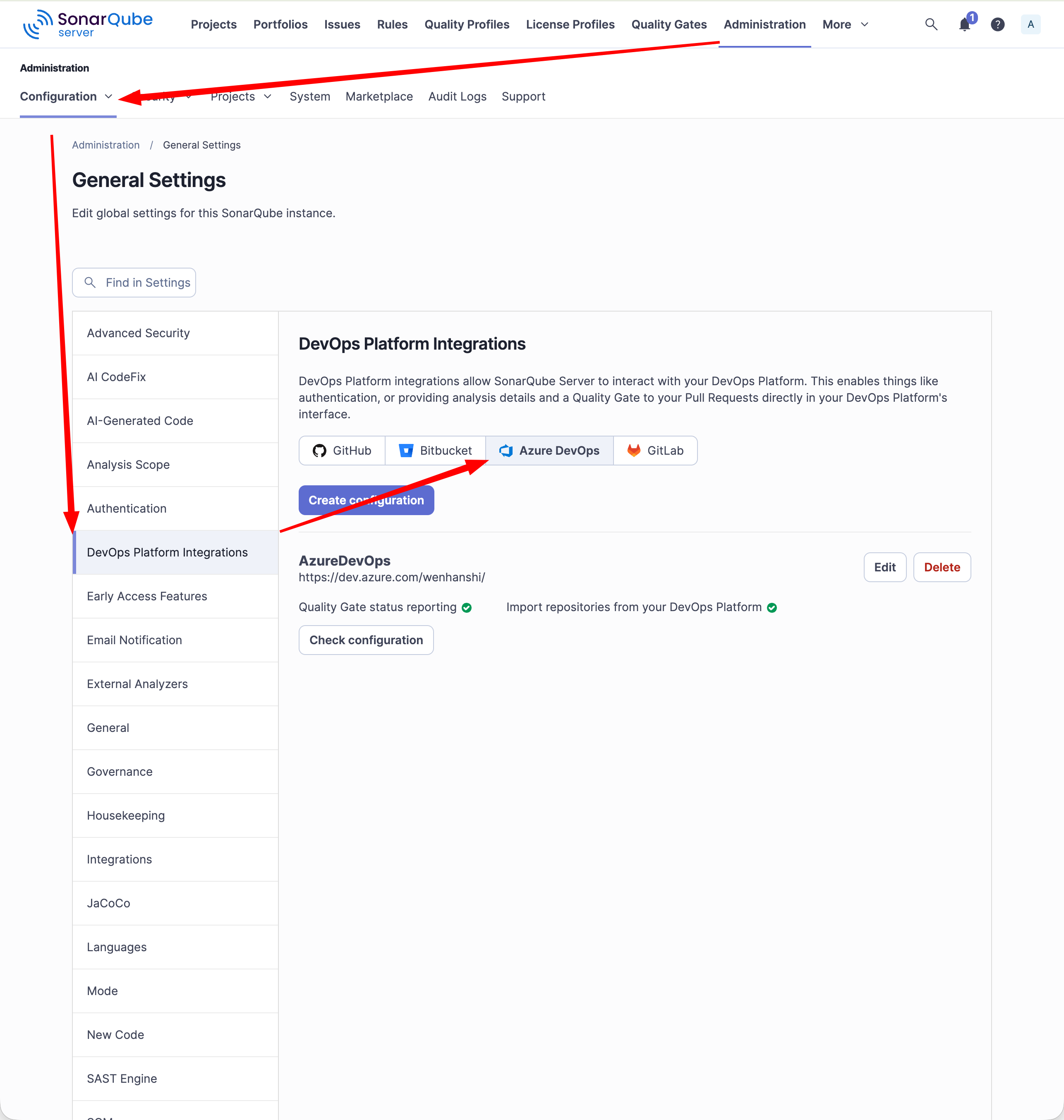
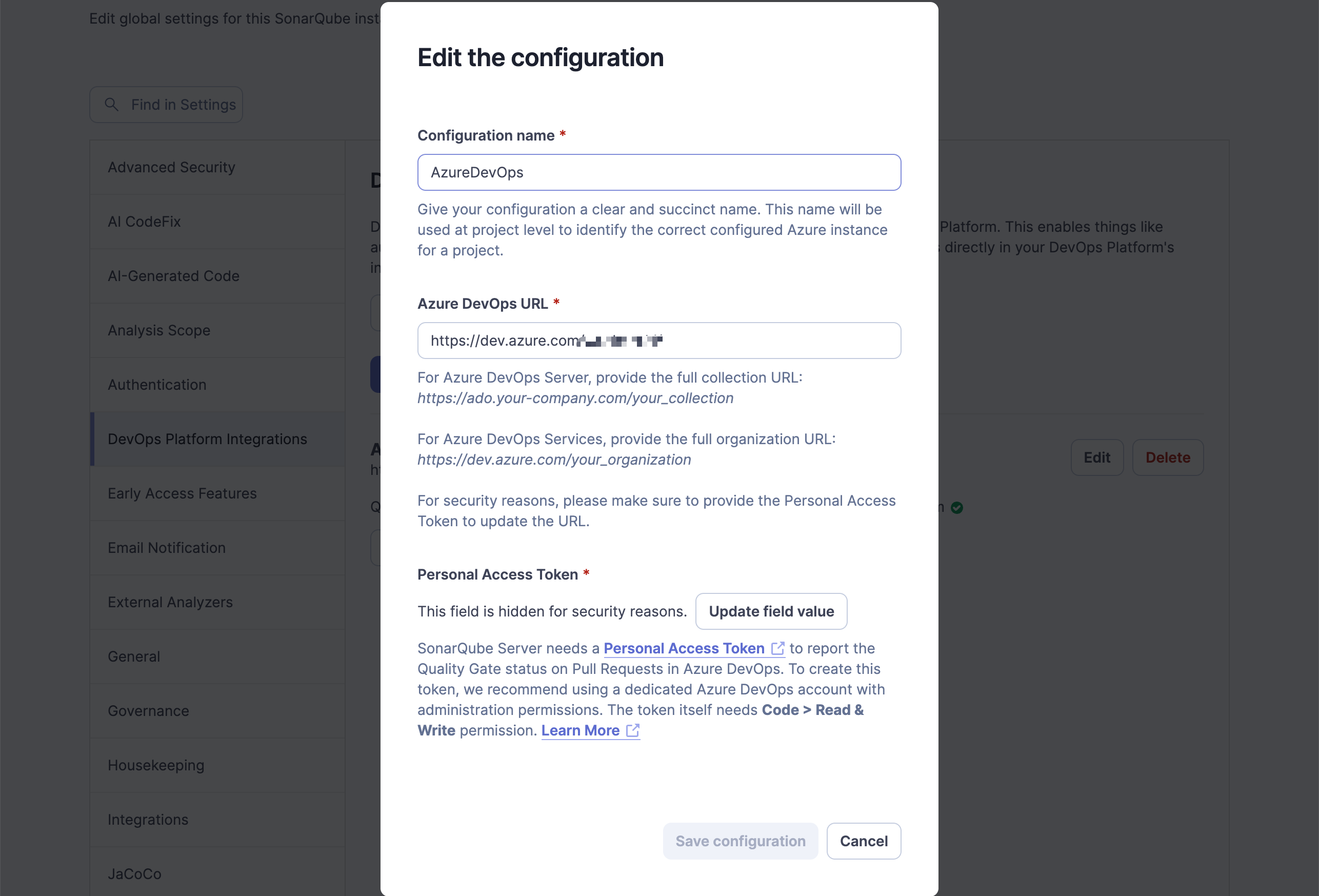
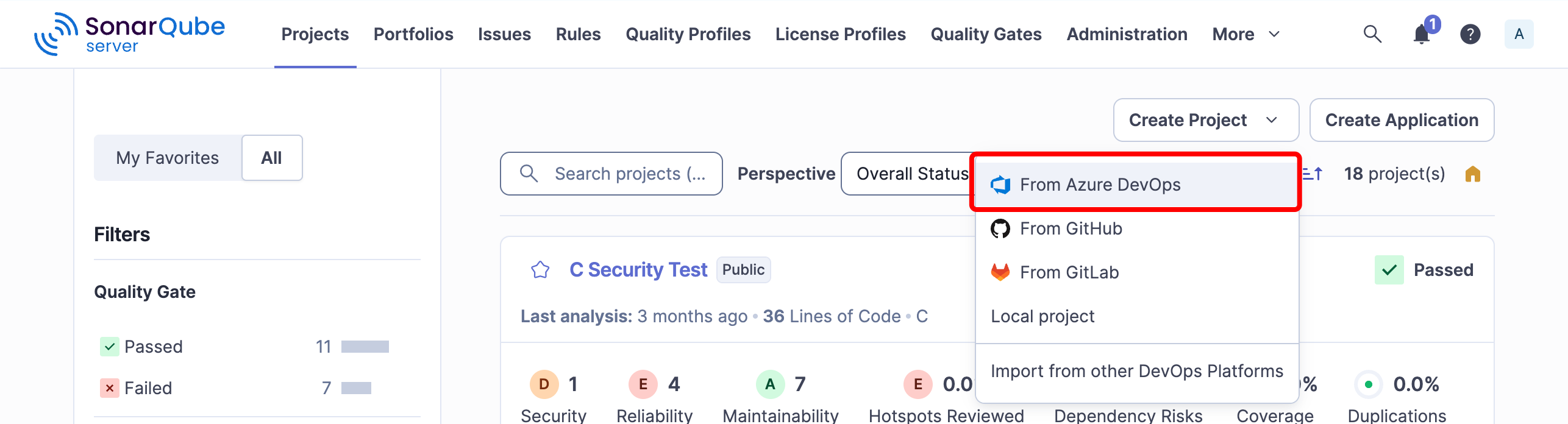
Configure Azure DevOps
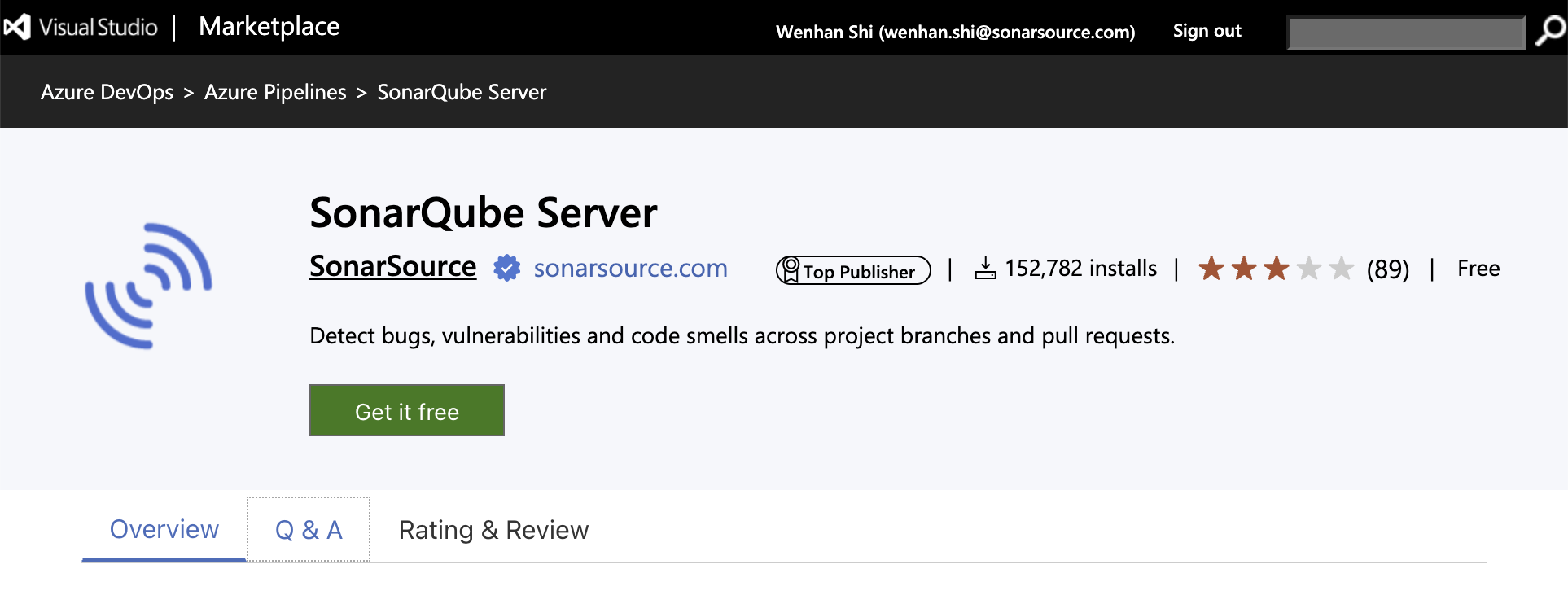
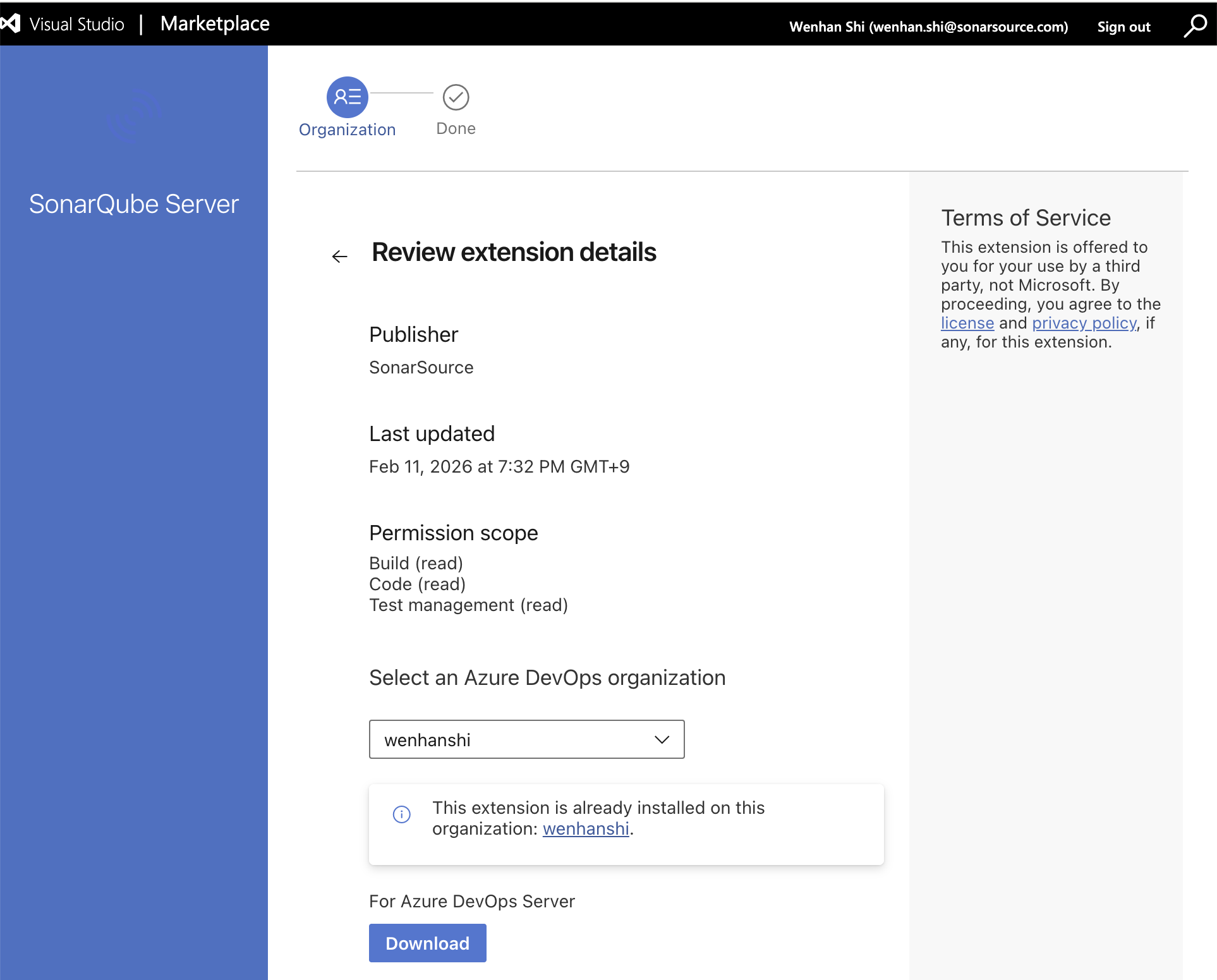
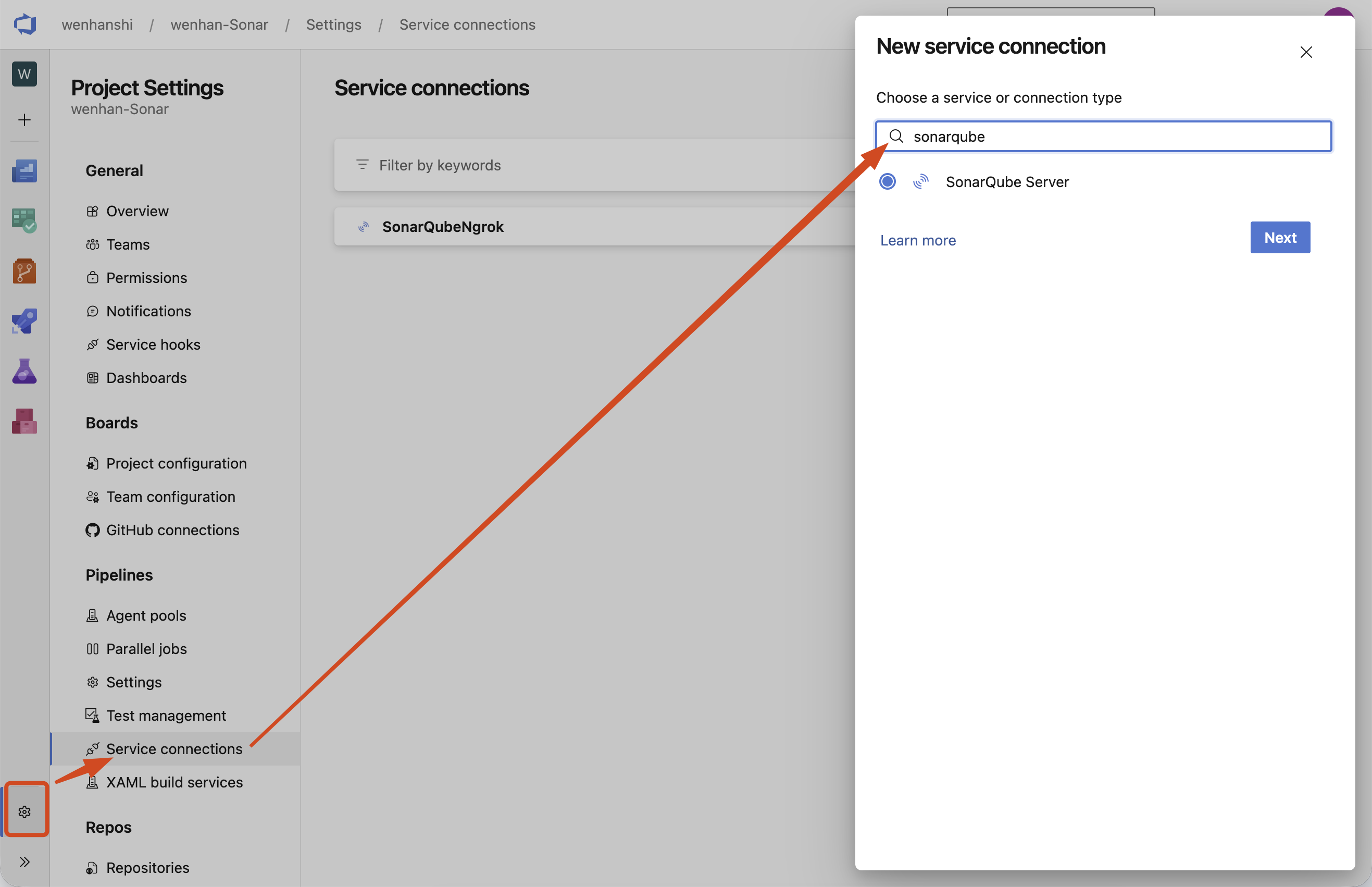
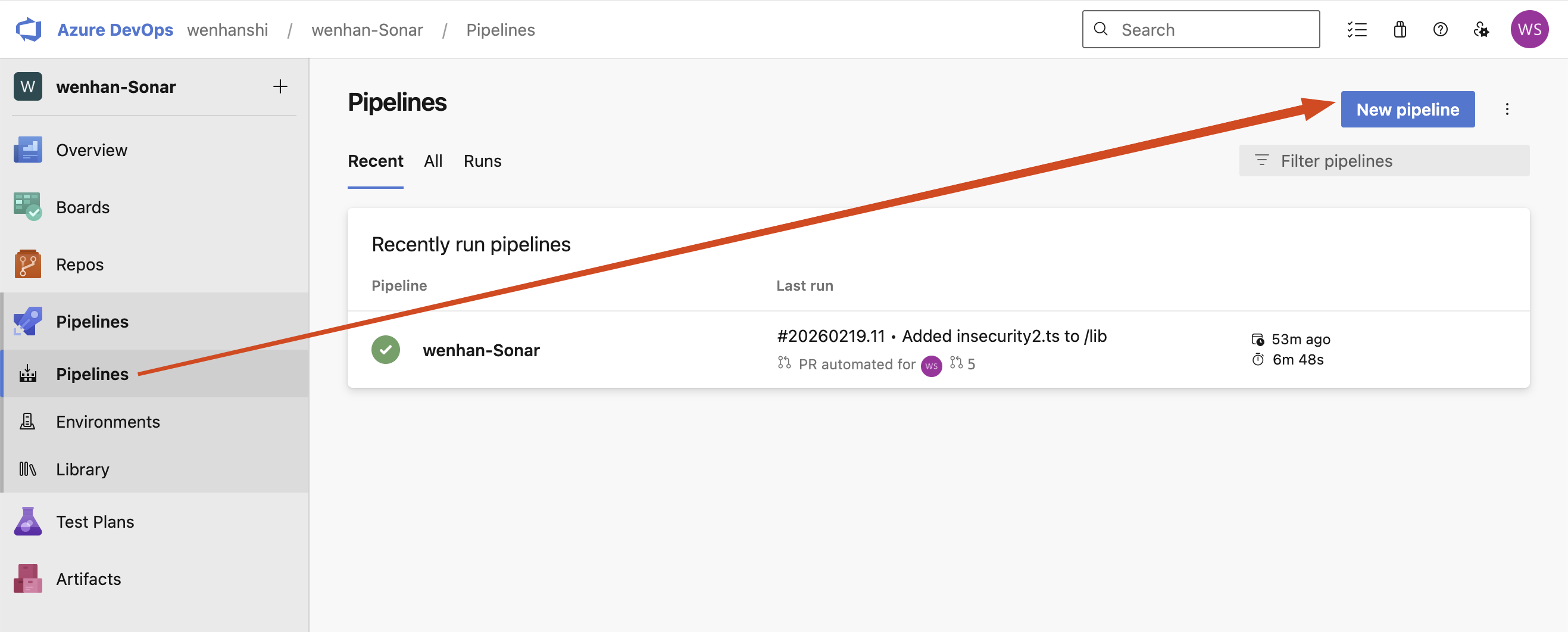
Install the SonarQube app in ADO and create a Service Connection to SonarQube. Use that connection in a Pipeline. The example below analyzes PRs and the master branch:
| |
Set SonarQube to the name of your Service Connection and replace cliProjectKey with the SQS project key.
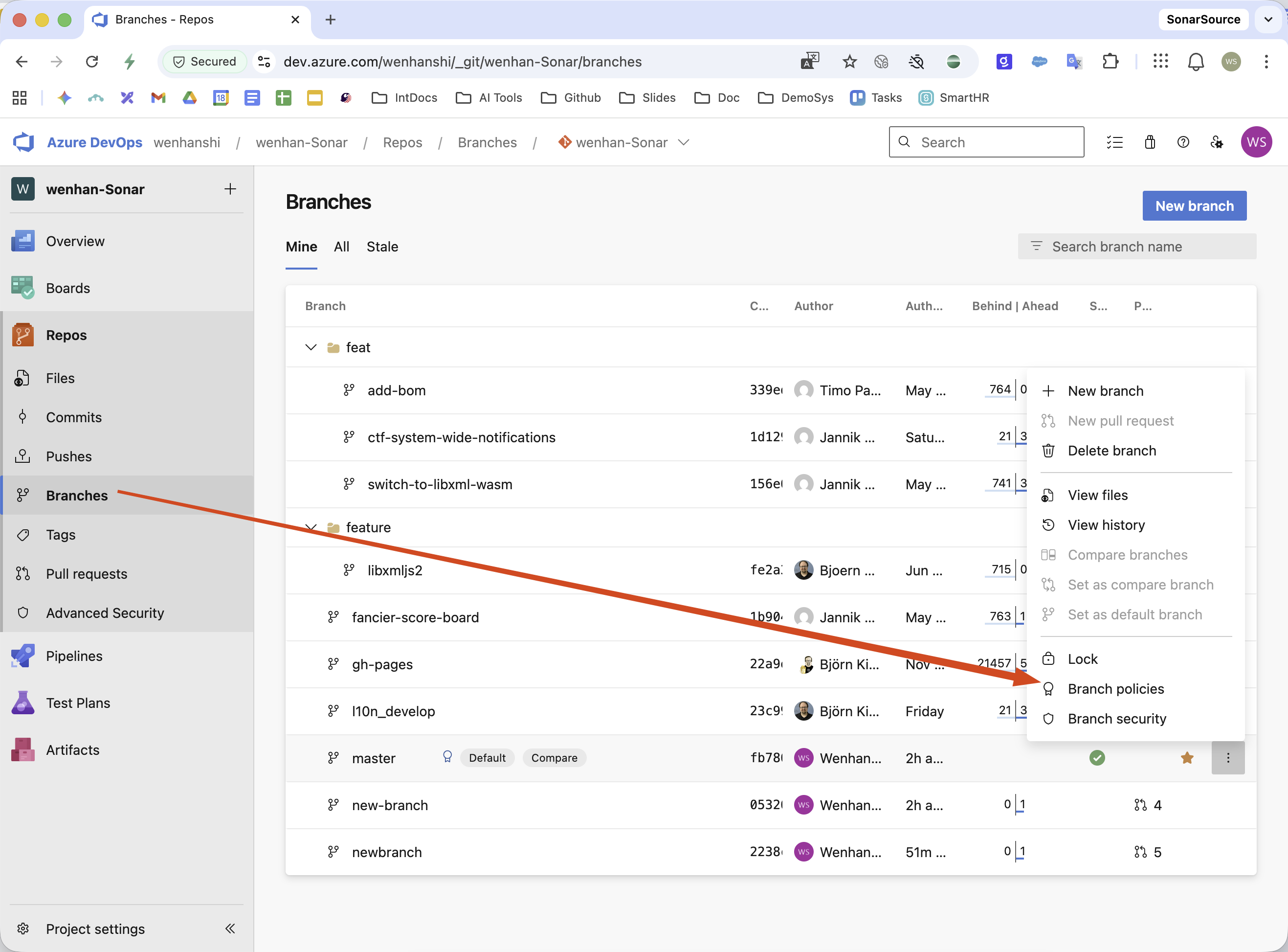
Add a Branch Policy and verify a PR
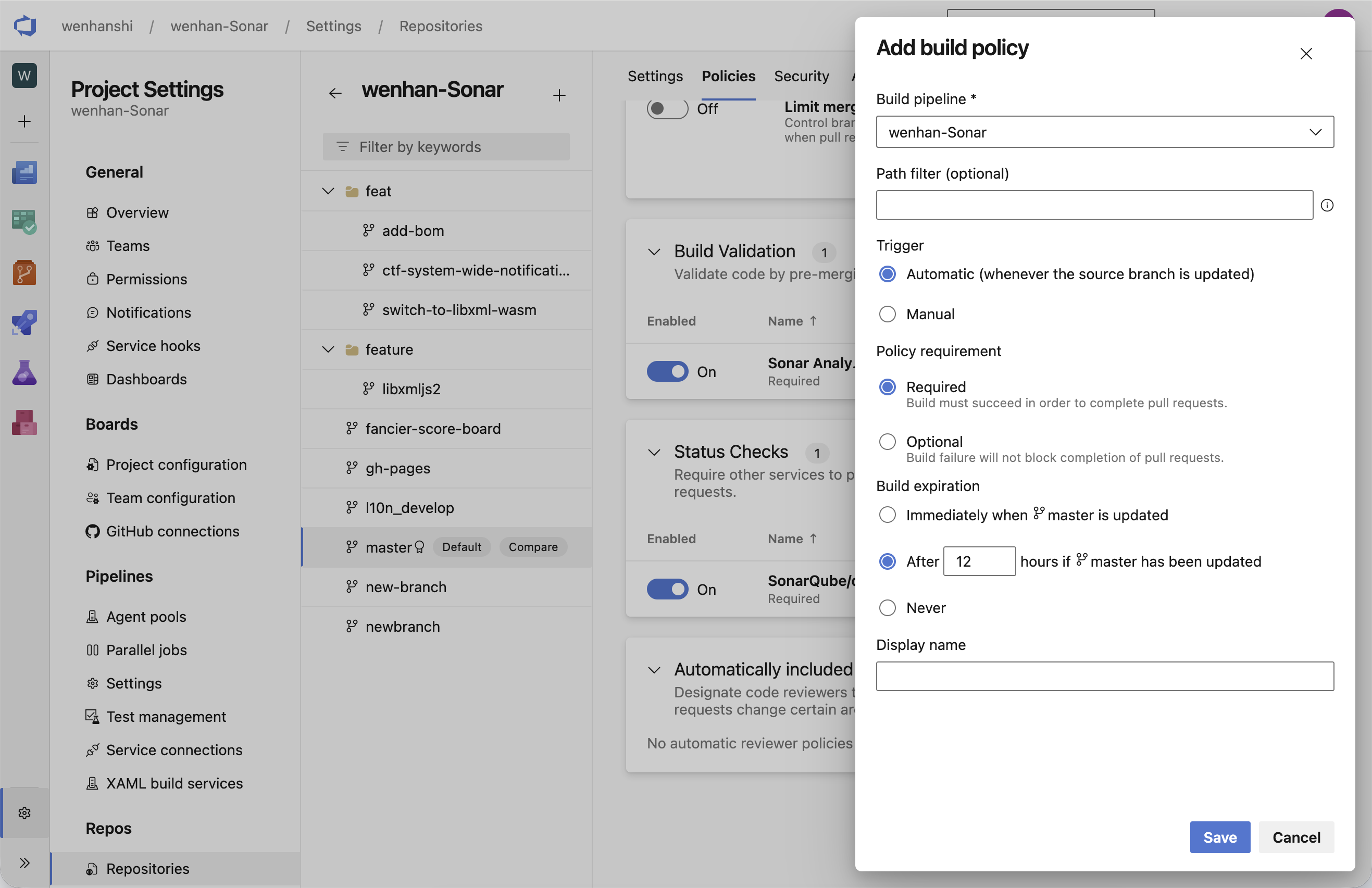
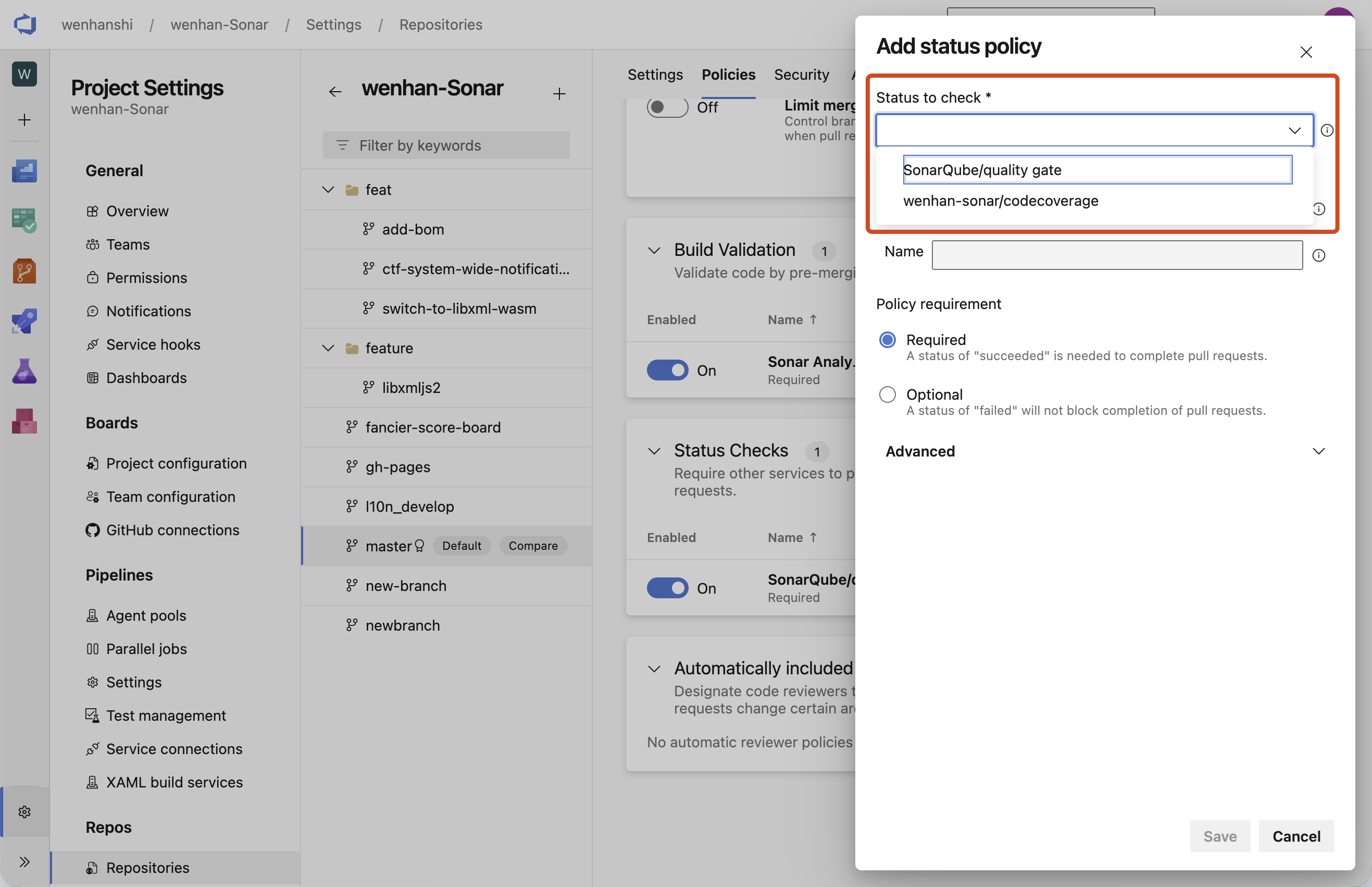
Set the target Pipeline as a required check in the ADO Branch Policy. Modify sample code and create a PR. Confirm that the Pipeline sends its analysis to SonarQube and that the PR displays the Quality Gate result and issue details.
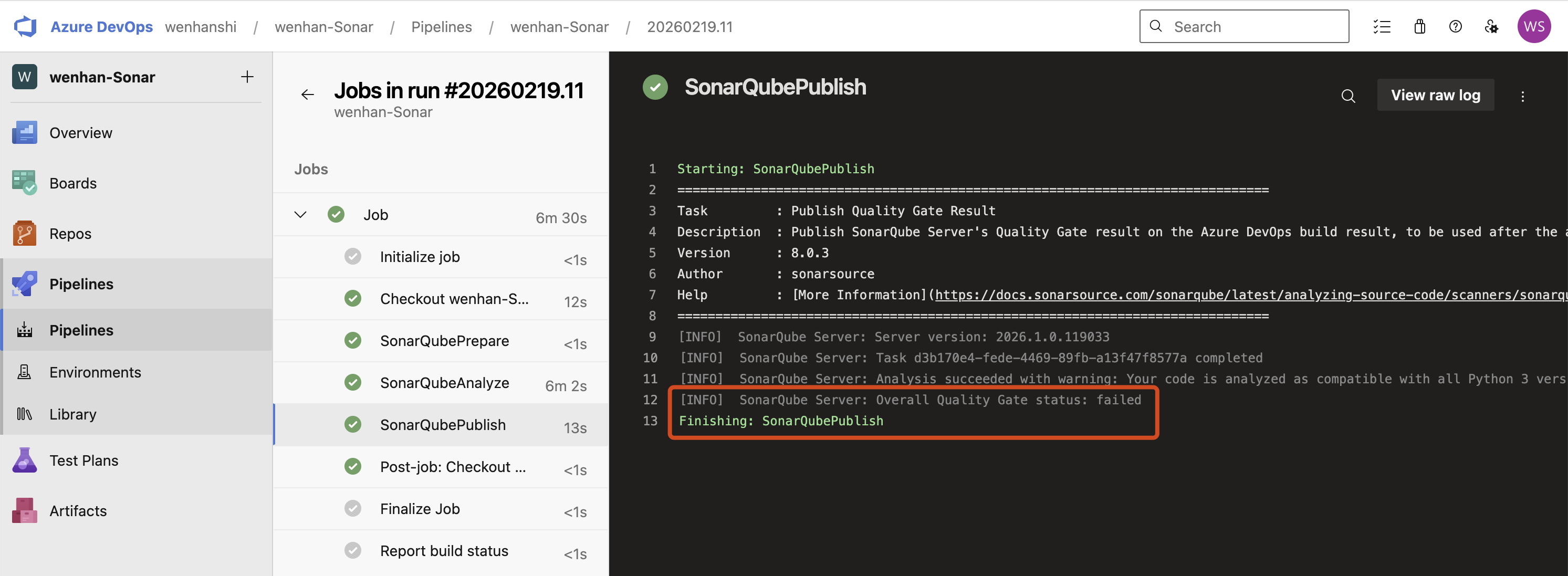
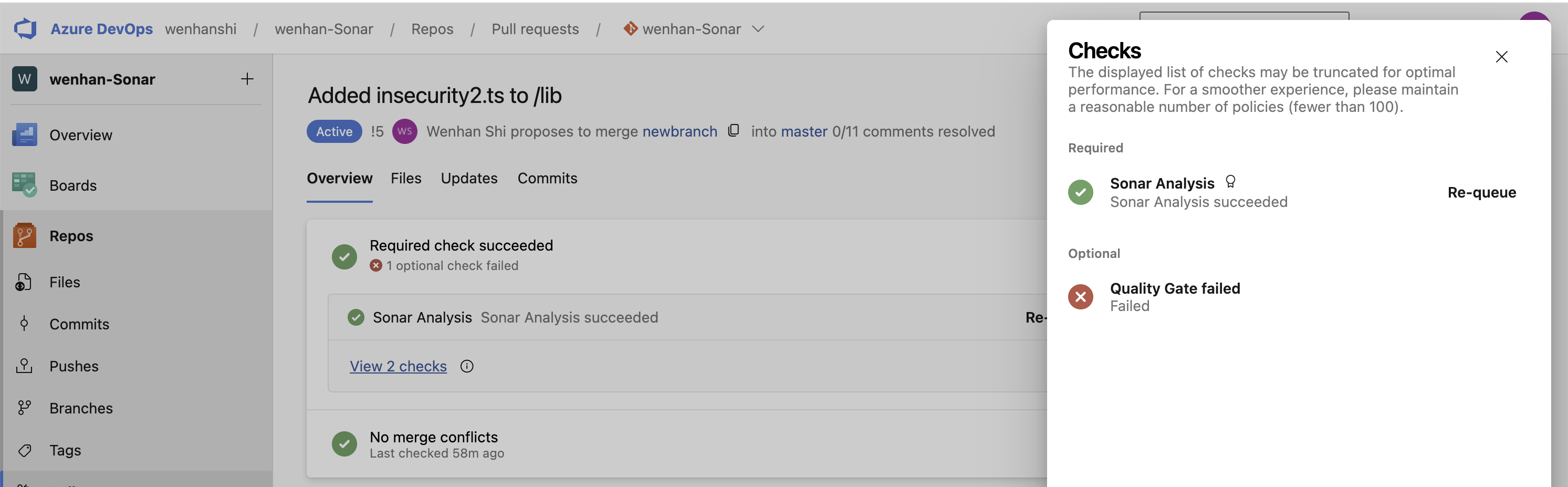
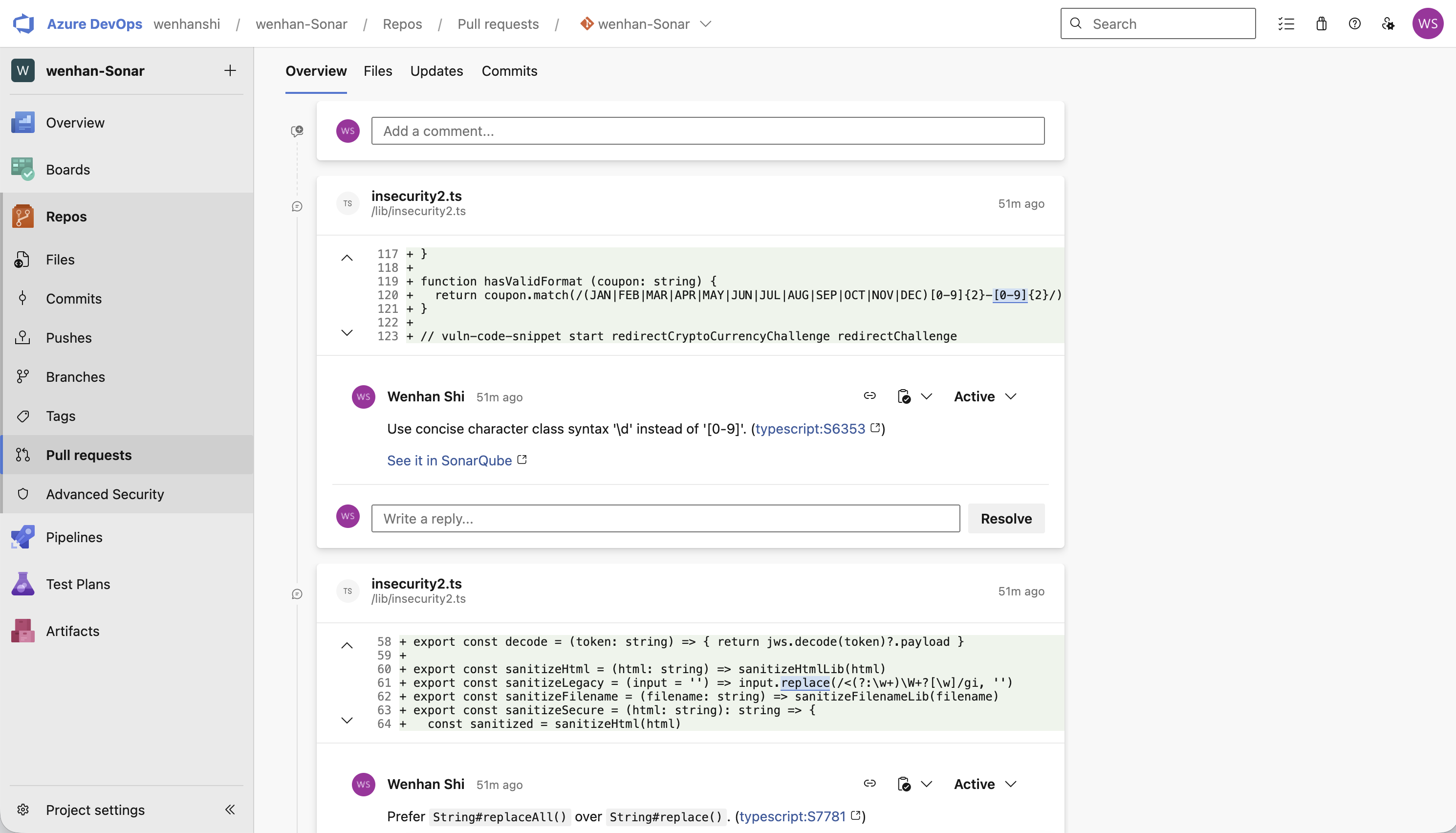
This setup runs analysis automatically for each PR and makes the results available during review.